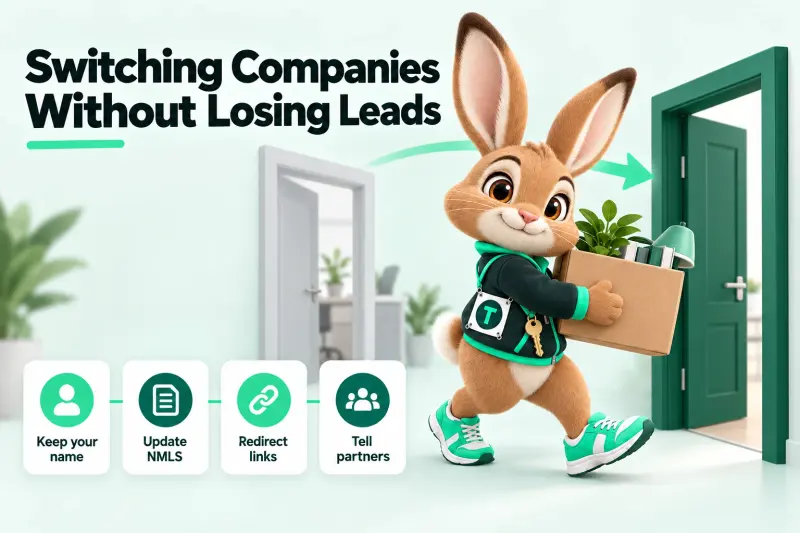
Key takeaways
- Your personal brand, your own domain and reviews on profiles you own move with you; company names, company NMLS IDs and license lines do not.
- Build the new site quietly before your start date and switch it on the morning your new sponsorship shows on NMLS Consumer Access.
- Map every URL you've ever shared to its closest new page with a 301 redirect — that's how partners' old links keep working.
- Check your employment agreement before contacting past clients or moving lists; this guide isn't legal advice.
- Expect a 30-day tail of stragglers: watch for 404s and add redirects as they appear.
Changing lenders is one of the most common moves in a loan officer’s career, and one of the riskiest for your online presence. Overnight, your email signature, your website footer, your social bios and every flyer you ever printed carry the wrong company name and the wrong company NMLS ID. Meanwhile, the partners who send you business still have your old links.
This checklist walks through the move in the order it actually happens — before you give notice, the day you start, and the month after.
Why is switching companies such a big deal online?
Because your online identity is tied to two things that behave very differently: you, who stays the same, and your sponsoring company, which changes. Borrowers and regulators need to see both correctly at all times.
The industry has also shrunk, which makes moves more common and competition for every partner relationship sharper:
In a smaller field, the LOs who keep their personal brand visible and consistent through a move are the ones partners keep sending business to.
What stays yours, and what has to change?
| Stays with you | Must change on day one |
|---|---|
| Your name, photo and bio | Company name and logo |
| Your individual NMLS ID | Company NMLS ID |
| A domain registered to you | License lines and state statements |
| Reviews on profiles you own | Equal Housing / company disclaimers |
| Your own articles and guides | Application and pre-qualification links |
| Your phone number, if it’s yours | Any program or pricing claims tied to the old lender |
The left column is your brand. Protect it. The right column is your compliance exposure. Change all of it, everywhere, at once.
A quick ownership audit
Before you give notice, answer these honestly:
- Who owns your domain? Log into the registrar. If the account is the company’s, you’ll likely need a new domain.
- Who owns your review profiles? A Google Business Profile, Zillow or Experience.com profile in your name, created by you, is usually yours. One created under the company’s account usually isn’t.
- Where are your leads? In the company CRM, in yours, or in a spreadsheet? Know what you can and can’t take.
- What does your agreement say? Non-solicitation and confidentiality terms decide what you can do with past clients. We can’t advise you on them — your own counsel can.
How do you move a loan officer website without losing your links?
With a redirect map: a list of every URL you’ve shared, each pointing to its closest new page with a permanent (301) redirect. When an agent clicks a link from an email you sent two years ago, they land on your new site instead of a dead page — and search engines treat the new page as the successor of the old one.
| Old URL | New URL | Why |
|---|---|---|
| /about-jane | /about/ | Bio page renamed |
| /fha-loans-oldlender | /loan-programs/fha/ | Program page without the old company name |
| /apply-now | /apply/ | New application, routed to your new CRM |
| /calculator | /calculators/ | Calculators now on your site |
You can only redirect URLs on domains you control. If your old profile lives on the old company’s website, ask them to point it at your new site or to a page that lists your new contact details. Many will.
The 30-day move plan
Two weeks before your start date: plan quietly
- Copy your current content (bio, guides, photos) somewhere you control.
- List every URL you’ve shared: website pages, link-in-bio pages, QR codes on flyers.
- Draft the new site privately with the new company’s name and NMLS ID — but don’t publish it.
- Collect your new company’s marketing rules: logo use, required disclaimers, approval process.
Two days before: get approval lined up
Send your new company’s marketing or compliance team the preview and a list of every disclosure on it. If they can approve before your first day, you can switch on the morning you start.
Start day: switch everything at once
- Confirm your new sponsorship shows on NMLS Consumer Access.
- Switch the site live with the new company lines.
- Turn on redirects.
- Update your email signature, social bios, Google profile and any directory listings.
- Replace QR codes on any materials you’ll keep using.
Day one, afternoon: tell people
Send a short, factual note to the partners you’re allowed to contact: where you are now, what’s changed, what hasn’t, and your new link. Don’t badmouth your old company. Don’t promise “better rates now”.
The first 30 days: catch the stragglers
Watch your site for 404 errors (pages that don’t exist). Each one is an old link someone is still using. Add a redirect for it. Leads from old links should land in your new CRM with an alert so nobody waits.
Your options for the website itself
Three ways to handle the website in a move
Keep the old company page
Not yours to keep
- No work
- Usually removed when you leave
- Links go dead
DIY rebuild
Possible, if you have time
- Low software cost
- Redirects and disclosures are on you
- Hard to do in the notice period
Done-for-you move
Built before you start
- Redirect map and line swap included
- CRM so partner leads land safely
- Monthly subscription
Our Moving Day plan ($119/mo) is built for exactly this. If you’ll be busy in your first weeks, the Full Launch bundle ($359/mo) adds an AI receptionist that answers calls you can’t take.
Common mistakes when switching lenders
- Leaving the old company NMLS ID live “for a few days”. That’s an advertising error from day one.
- Announcing the move before you’ve given notice. It can breach your agreement and burn bridges.
- Forgetting printed materials. Old flyers with QR codes keep sending people to dead pages.
- Moving reviews that aren’t yours. Only show reviews you have the right to display.
- Skipping redirects. Every missing redirect is a lost lead and a lost search signal.
What should your move announcement say?
Keep it short, factual and positive, and send it only to people your agreements allow you to contact. A template:
“Quick update: as of today I’m with [New Company] (NMLS ID ######). Same me, same phone number, same evenings-and-weekends availability — and a few more loan options. My new site is [link]. If you have a client who needs a hand, I’d love to help.”
What to leave out: anything negative about your old company, promises about rates or pricing, and anything that could read as soliciting your old company’s clients if your agreement prohibits it.
Updating your profiles in the right order
| Profile | What to change | When |
|---|---|---|
| Website footer and bio | Company name, company NMLS ID, licensed states, disclaimers | Start day, morning |
| Email signature | Company name, NMLS IDs, required disclaimer | Start day, morning |
| LinkedIn headline and About | Company, NMLS ID | Start day |
| Facebook / Instagram business bios | NMLS ID, company, link | Start day |
| Google Business Profile (if yours) | Business name format, website link | Start day, if your new company allows it |
| Directory listings (Zillow, Experience.com, etc.) | Company and links | First week |
| Printed materials | Replace or retire anything with the old company | First week |
What happens to your reviews and profiles?
This is the part LOs most often get wrong, and it’s worth slowing down for.
- Profiles you created and control (a Google Business Profile in your own name, a personal Zillow profile) are generally yours. Update the company details and keep collecting reviews.
- Profiles under your old company’s account stay with the company. You can’t move those reviews, and you shouldn’t copy them onto your new site.
- Reviews you show on your website must be real, current and shown honestly — with the source and date. The FTC’s rule on consumer reviews (16 CFR Part 465) applies to how you present them.
If you lose access to reviews in the move, rebuild steadily: ask every new closed borrower consistently, starting with your first closings at the new company.
A realistic timeline example
Here’s how one switch might look on the calendar for an LO who gives two weeks’ notice:
| Day | What happens |
|---|---|
| Notice day | Content backed up privately; URL list started |
| Notice + 3 | New site drafted with the new company’s lines (private) |
| Notice + 10 | Preview and disclosure list sent to new company’s marketing team |
| Start day | Sponsorship visible on NMLS Consumer Access; site live; redirects on |
| Start + 1 | Announcement sent; profiles updated |
| Start + 30 | Last stragglers redirected; reviews routine running |
Your dates will move with your agreement and your new company’s approval process — but the order stays the same.
The move checklist
- Domain ownership confirmed (or a new domain registered in your name)
- Content, photos and guides backed up
- Every shared URL listed
- New site drafted privately with the new company’s lines
- Marketing approval from the new company
- Sponsorship visible on NMLS Consumer Access
- Site live, redirects on, forms tested
- Signature, bios, Google profile and directories updated
- Partner announcement sent (within your agreements)
- 404s watched for 30 days
A move is stressful enough. With the website handled before you start, the only thing your partners notice is the new name in your footer.

Written by
Maren Holt, Launch Editor
Maren writes our launch guides: what a new or moving loan officer needs live on day one, and in what order.
Editorial persona — GetsMortgageNow launch desk · Writes from our build checklists and onboarding notes
Sources
- MBA Chart of the Week: Mortgage Industry Employment (Marina Walsh) — Sept 2, 2025
- NMLS Consumer Access
- CFPB — Regulation H (SAFE Act), 12 CFR Part 1008
- Google Search Central — structured data introduction
Educational content, not legal, compliance or financial advice. GetsMortgageNow is not a lender.
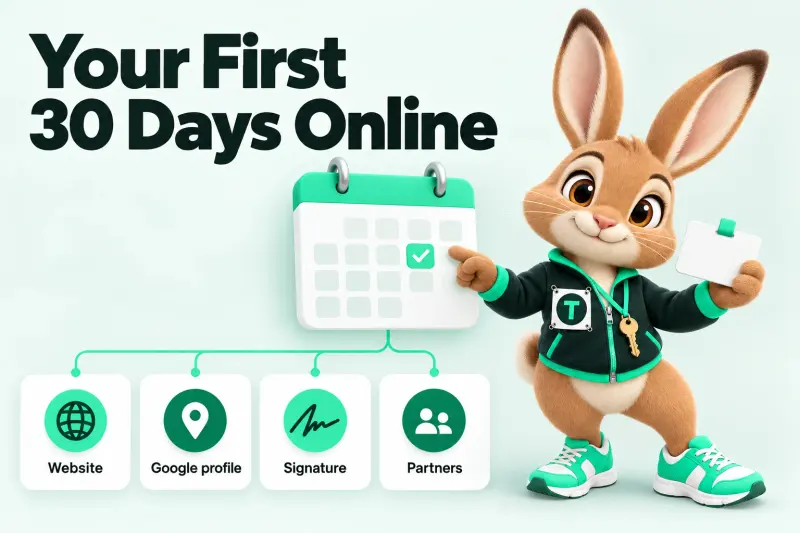 Your first loan officer website: a 30-day plan
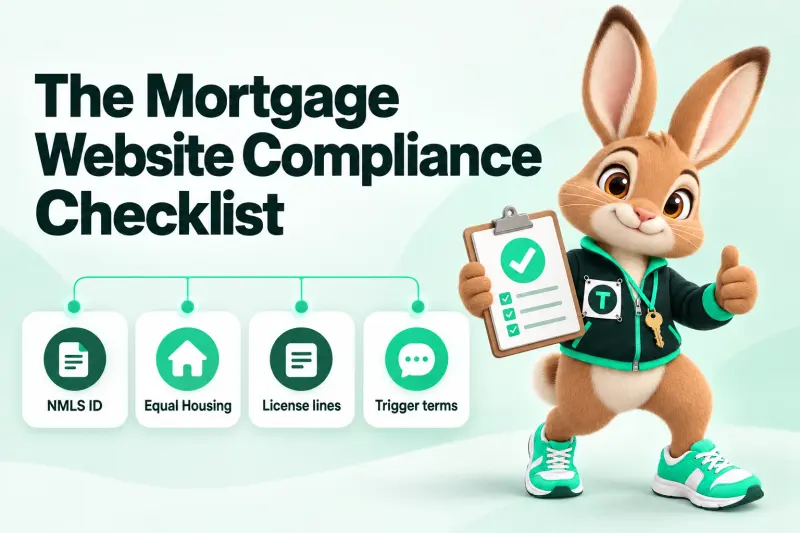 Mortgage advertising compliance for loan officers
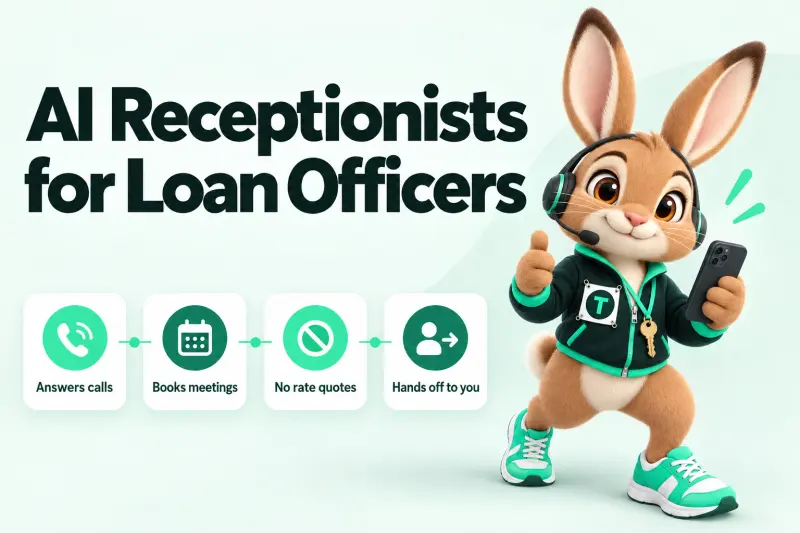 AI receptionists for loan officers: what they can (and must not) say